| Support Category: User Account | Inactive Account |
| Specialist Notes: |
The NOAA Administrators have added permissions allowing EUS Specialists to reactivate user profiles in the CLC.
HOW SHOULD WE ASSIST? 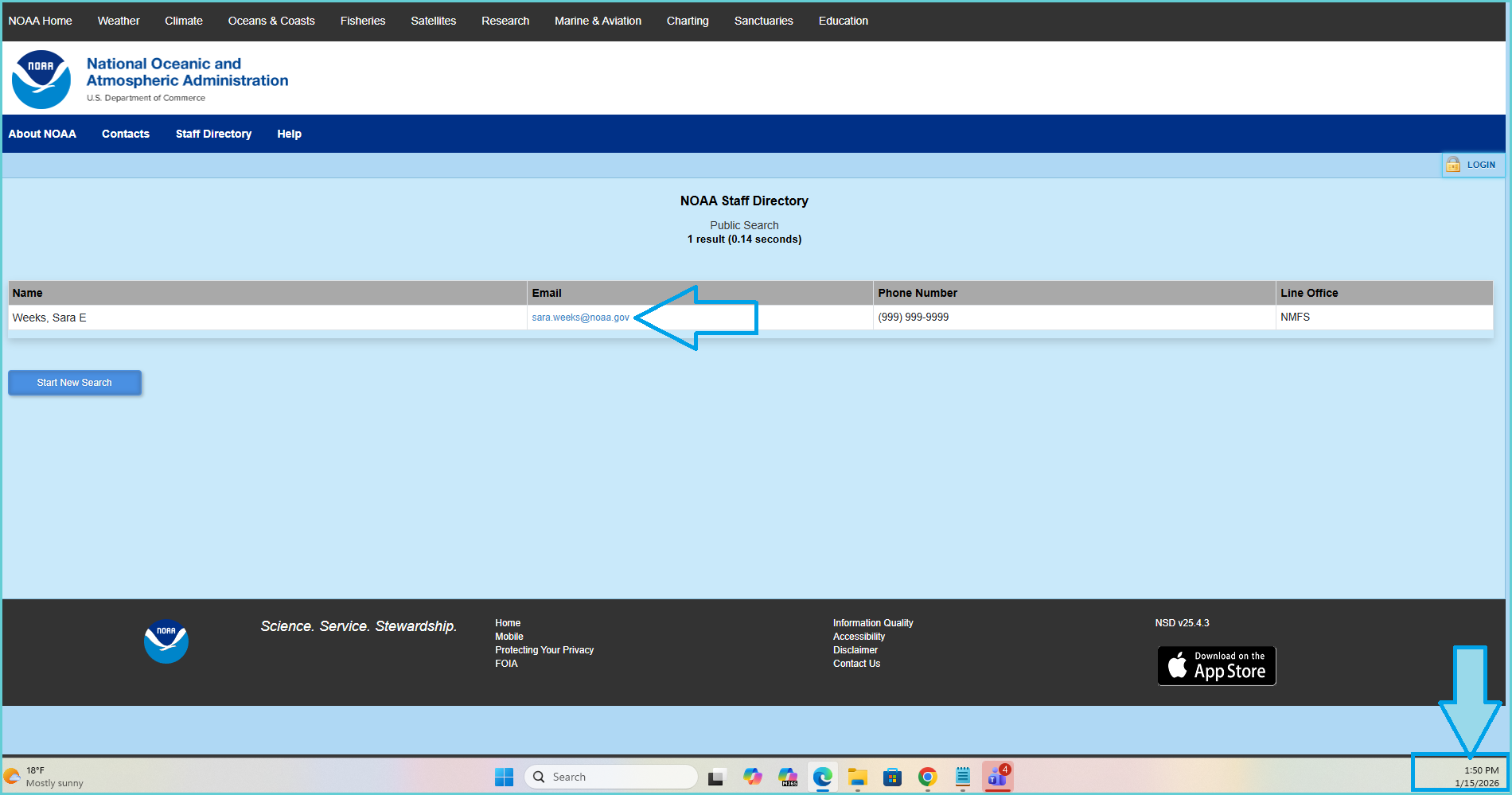 2. If the profile is found in NSD, the EUS specialist will reactivate the user's profile. Instructions for activating/deactivating accounts in CSOD can be found here. 3. If the user cannot be found in NSD, the EUS specialist will follow the standard escalation process in the Inactive Account | Employee and Inactive Account | Contractor SRs. In these scenarios, we should ensure that the temporary password option is not leveraged. Allowing/instructing the users to log in via SSO with their CAC will further ensure that they are active employees. |
IMPORTANT! Please refer to the guide provided by the NOAA administrators, as well as ticket 66581, should you need further assistance on this process. NOAA User Reactivation Guide |
INTERNAL NOTE! Should any support specialist experience issues/run into an error message when accessing the NSD, when assisting with reactivating inactive NOAA accounts, please reach out to the team via the applicable Microsoft Teams channel.
Though the NOAA Staff Directory is a public website, access may be restricted to specific countries which causes the error messages. |
NOTES FOR TICKET PROCESSORS! |
| Standard Response: |
Thank you for waiting!
Kindly note that I have located your account within the CLC, but it is currently inactive. Please allow me a few moments to reactivate your account for you.
