| Support Category: SSO |
| Specialist Notes: |
If after selecting the NOAA SSO button, a user is not able to login please advise them that we can reset their CLC manual credentials for them to use temporarily but they'll need to contact the ICAM team to have their SSO password reset.
Should the user need immediate access to the CLC account to complete training that is due soon, please refer to the 'Password Reset Request' SR to assist them with logging in via the manual sign in.
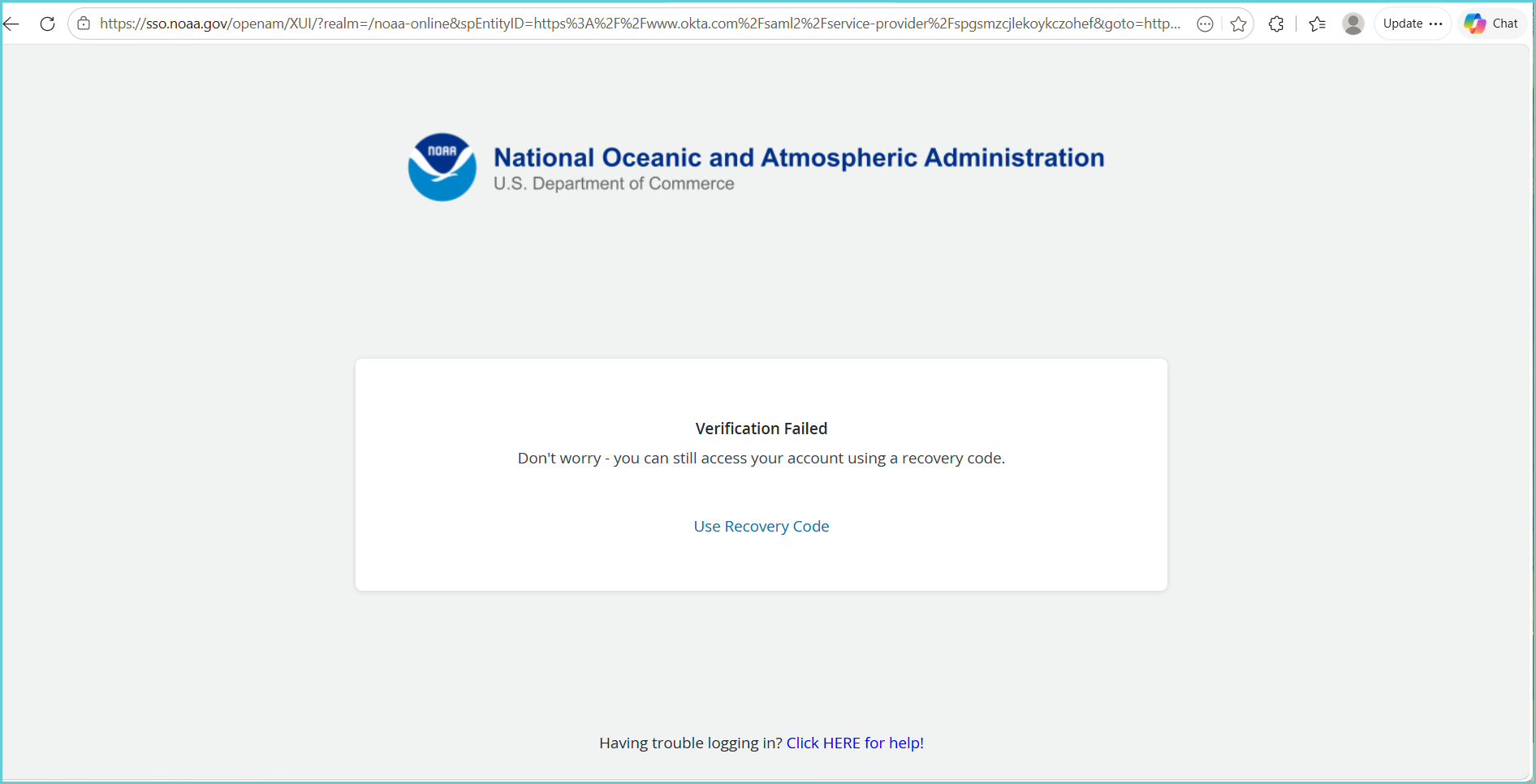
IMPORTANT! Please escalate if a user is trying to sign in but receiving the following error message.
|
| Standard Response: |
I apologize for the difficulty you're experiencing logging into your account using SSO. If accessing your account is time-sensitive, I can go ahead and reset your password, and you'll be able to log into your account using your username/password while you work with the ICAM team to have your SSO Password reset.
To have your SSO Password reset, kindly contact NOAA's ICAM team at icam.id.team@noaa.gov.
To help expedite the process, please send them a screenshot of what you are seeing and a description of what you are doing when trying to log in to the CLC with SSO.
