| Support Category: Course Launch Issue | Error Message |
| Specialist Notes: |
Federal Employees are expected to have access to Percipio courses.
HOW SHOULD WE ASSIST?
For additional guidance, you may refer to the How to Confirm a User’s DOC User Type SR. |
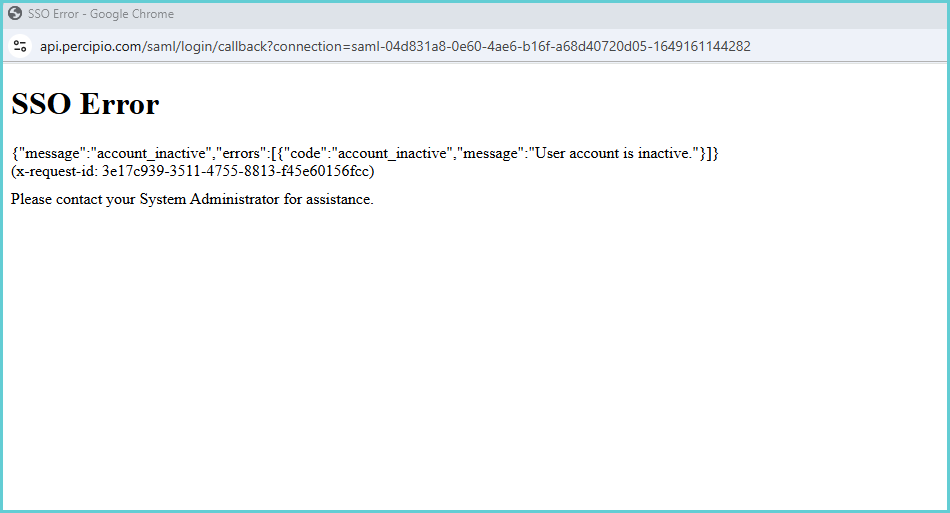
| Standard Response: |
We apologize for the difficulties you are experiencing accessing your training. Kindly allow me a moment while I create a ticket and escalate your request to the Administrators for further assistance.
